Seven quiz modes
Play fixed rounds, survival elimination, fastest-answer scoring, next-song clues, next-lyric rounds, a 1v1 tournament, or red-versus-blue team play.
Music trivia · Multiplayer game
Give your next music quiz its own rules.
For music quiz groups exploring timed rounds and custom rooms.
Play fixed rounds, survival elimination, fastest-answer scoring, next-song clues, next-lyric rounds, a 1v1 tournament, or red-versus-blue team play.
Set the answer timer to 10, 5 or 1 second; standard matches offer 5, 10, 20 or 30 rounds, while elimination uses starting hearts.
Choose a music category, or connect Spotify in settings to select a playlist for a room.
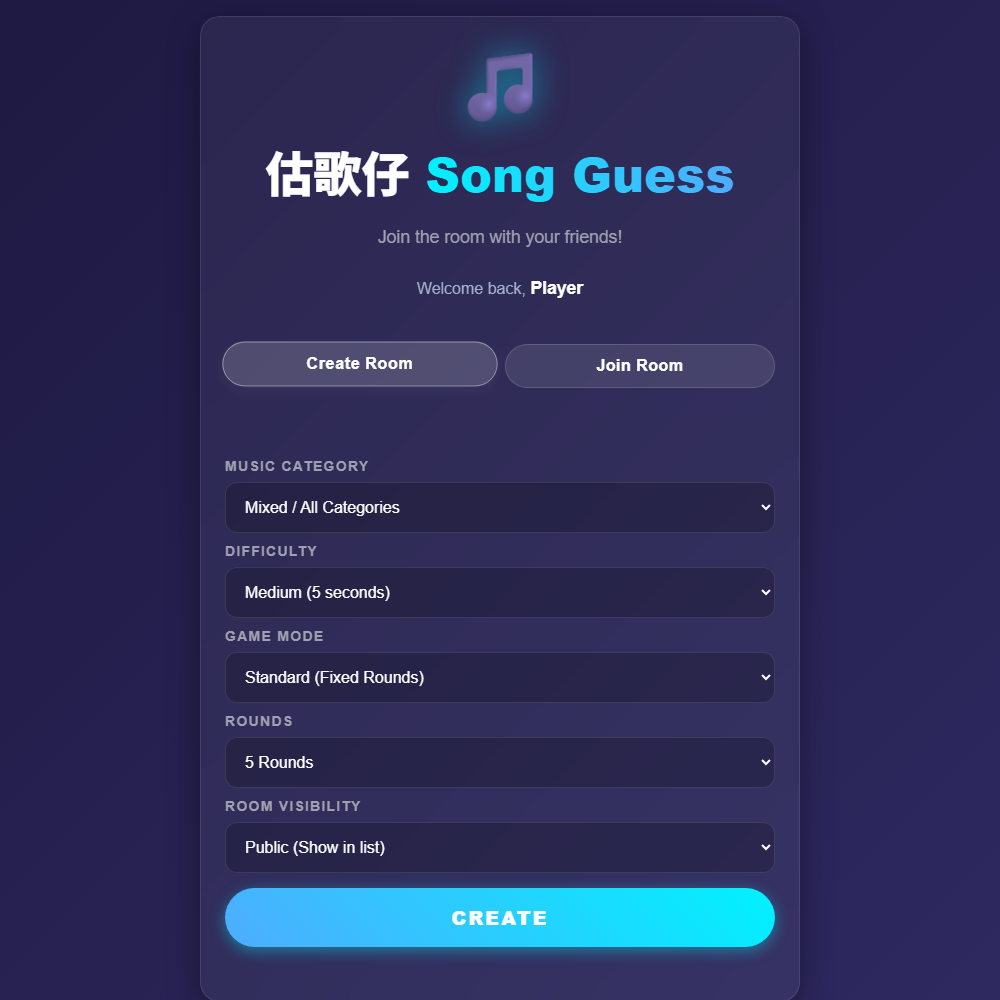 SONG GUESS · LOCAL SCREEN PREVIEW
Who it helps
For music quiz groups exploring timed rounds and custom rooms.
Background & gameplay
Song Guess Online is a fan-made music trivia game. Players can create or join rooms, choose a music category and difficulty, then guess songs against a timer. The interface includes standard rounds, elimination, fastest-answer, next-line, lyrics, tournament, and team modes.
The repository contains a browser client and an Express and Socket.IO server, with Mongoose models for persistent game data. The screenshots on this page show local interface previews rather than a hosted game session.
Work in progress. These screen captures come from a local front-end preview. Account, room, and server features depend on the project's backend and are not hosted by this website.
How a session works
Room setup controls the music category, answer time, quiz mode, round count, and public or private visibility before you create a room.
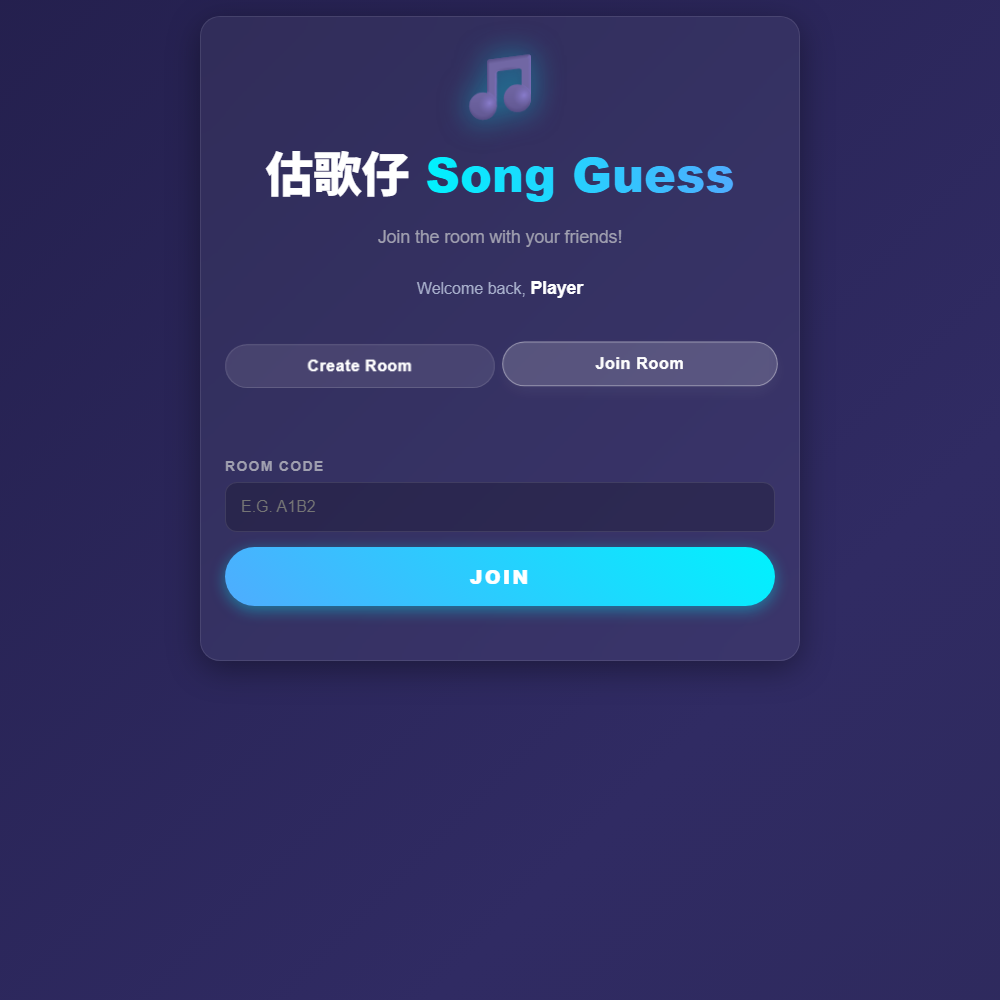
Enter the code shared by the host and choose Join to enter the same music quiz room. This capture shows the empty code field before entry.
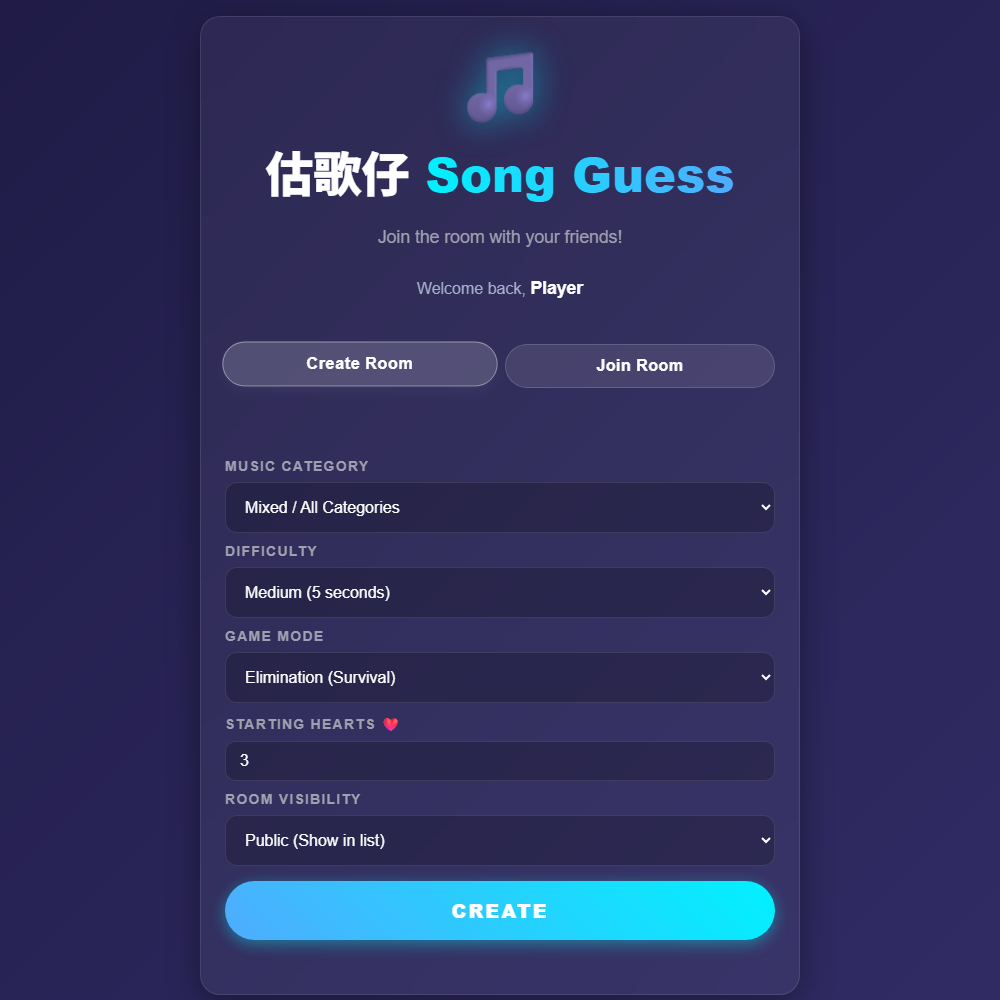
Switching from fixed rounds to elimination replaces the round count with starting hearts, making the survival format clear before the room opens.
Quick specifications
Project demos
Watch a feature in use, then learn what skills and systems support it.
A frontend settings recording: change the answer timer, switch from rounds to elimination hearts, choose a private room and open code entry. Account login and song rounds are outside this clip.
Skills demonstrated
These highlights explain the systems behind each demo and the skills each project brings together.
Changing the quiz mode updates the relevant controls: elimination exposes starting hearts, while other modes expose rounds. Lobby code sends the selected settings with the room request.
The server waits for ready players, starts rounds, records answers with timestamps and broadcasts outcomes. These handlers show the coordination behind a multiplayer quiz.
Client modules cover the lobby and gameplay UI; server modules handle room state and database models. The source includes MongoDB models for users, teams and playlists; those services need their own configuration.
Screens from the project
Local captures from each project build. Open any image to inspect the interface at its original size. Screens shown here were captured from local project builds. Projects are in development, so screens and features may change.
Room setup controls the music category, answer time, quiz mode, round count, and public or private visibility before you create a room.
Open full-size imageSwitching from fixed rounds to elimination replaces the round count with starting hearts, making the survival format clear before the room opens.
Open full-size imageEnter the code shared by the host and choose Join to enter the same music quiz room. This capture shows the empty code field before entry.
Open full-size imageDevelopment portfolio
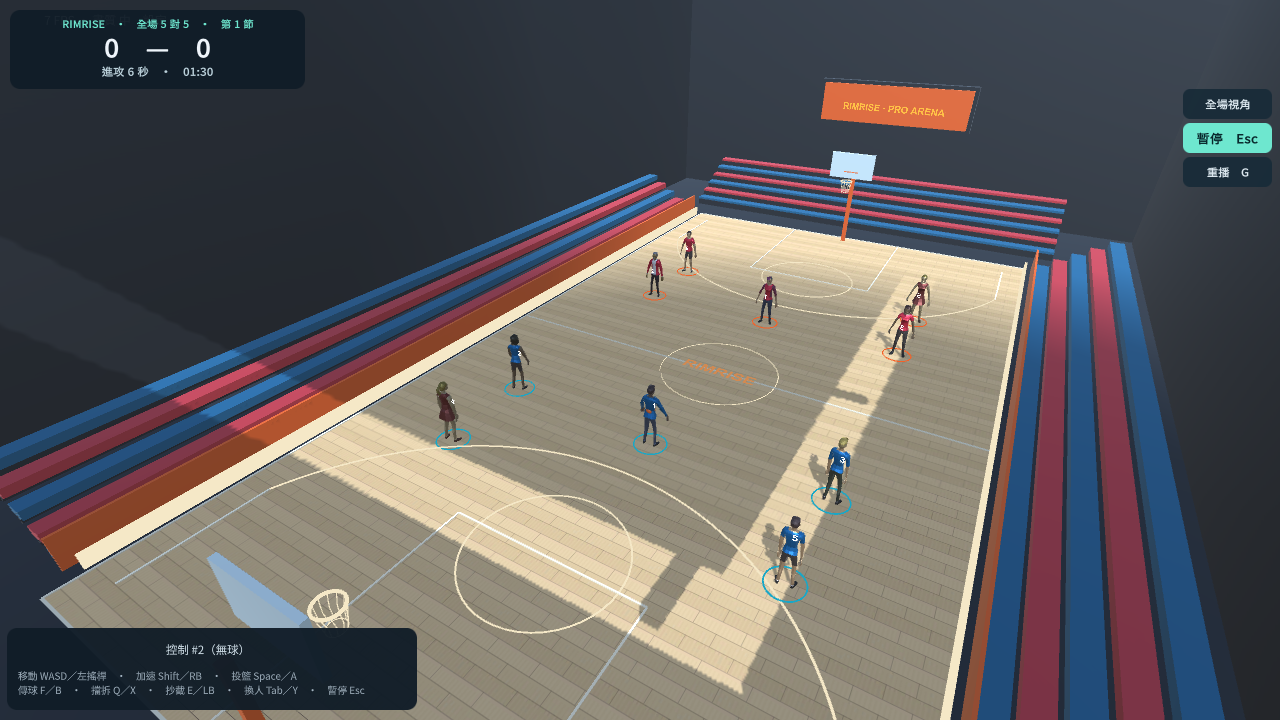
A Unity 6.3 prototype for full-court 5v5 basketball and career play.
Explore project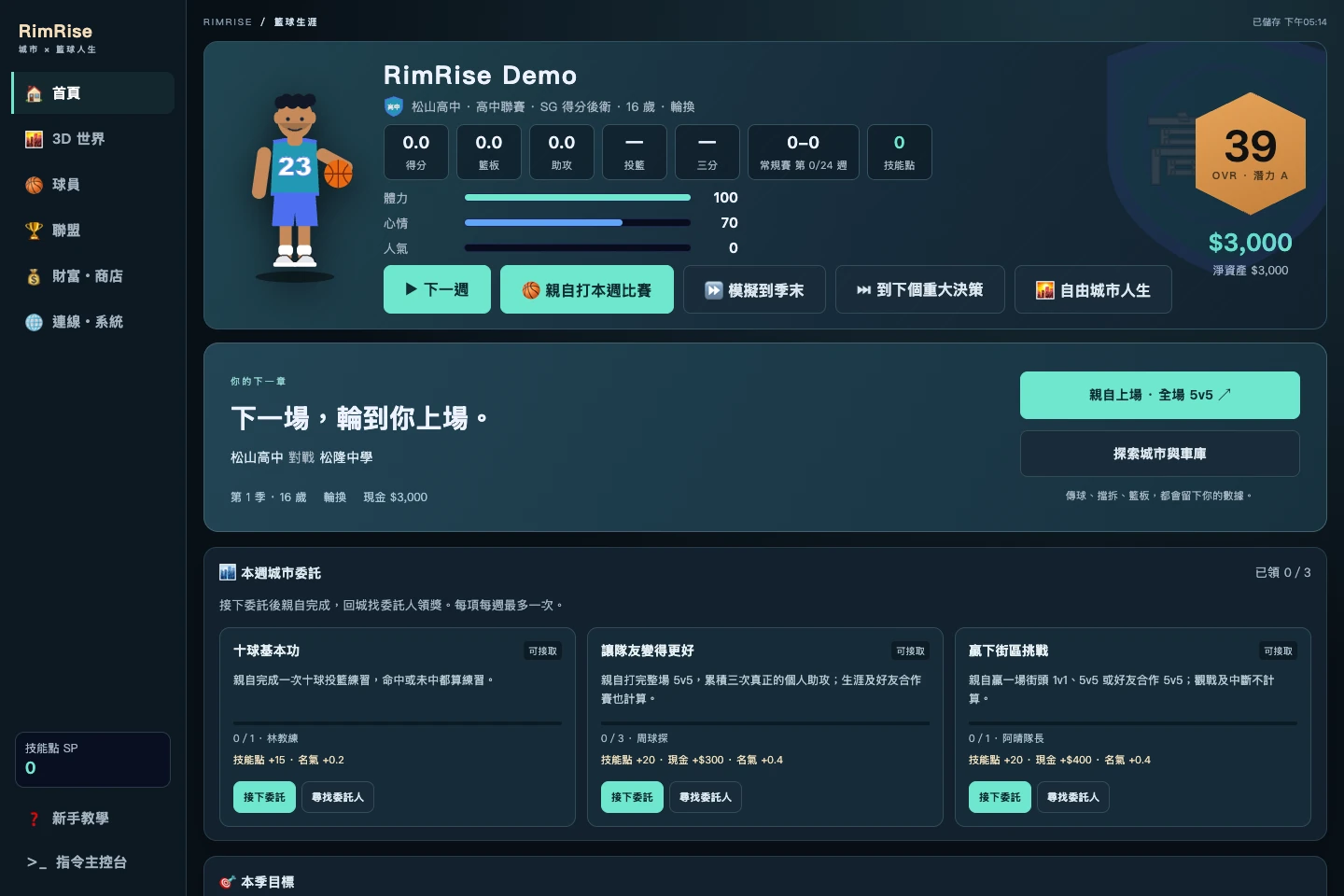
A browser basketball game with career progression and 3D city play.
Explore project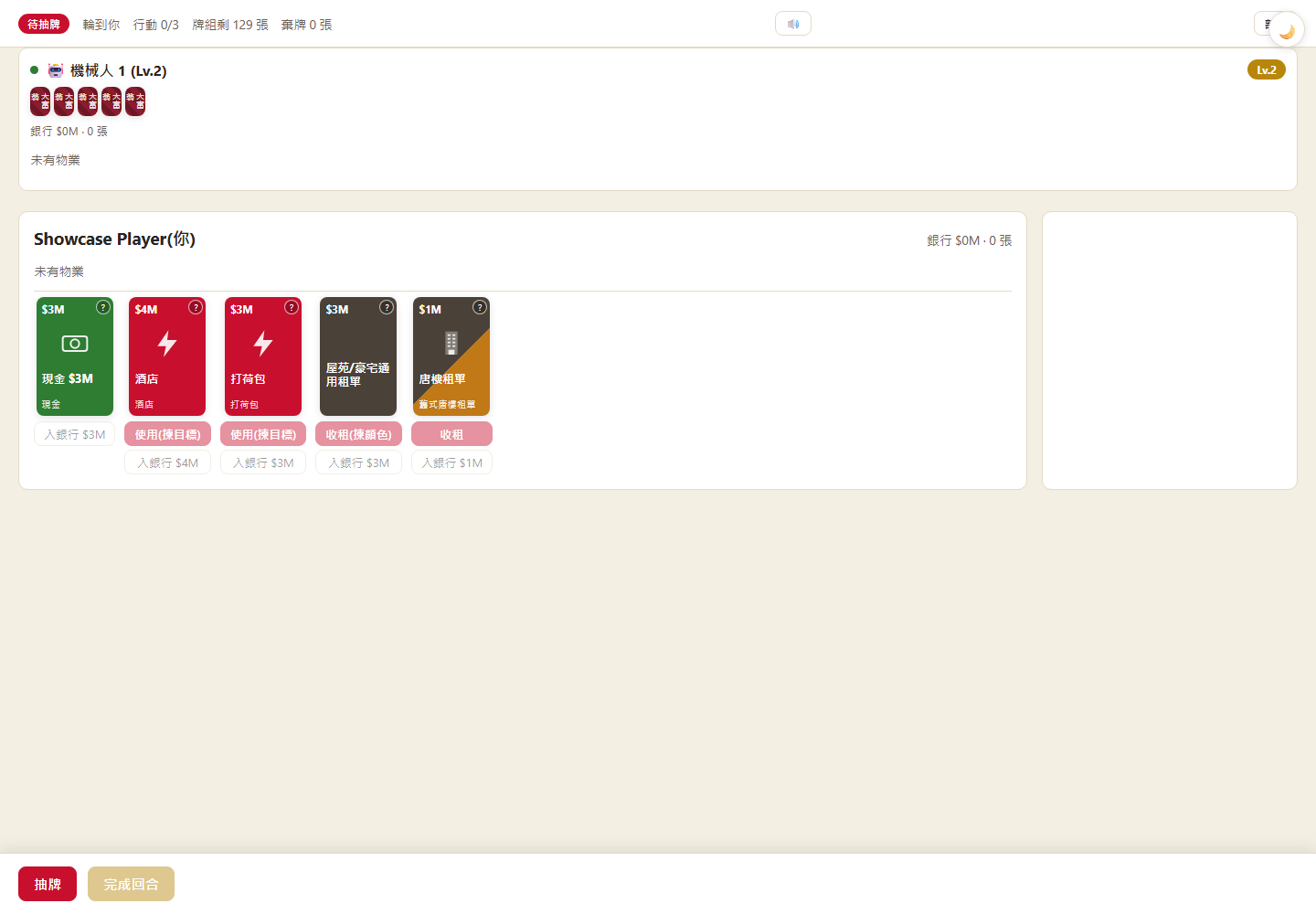
A Hong Kong-themed property card game with multiplayer rooms, bots, and changing events.
Explore projectA multiplayer music quiz with timed rounds, configurable rooms, and team modes.
Explore projectSong Guess Online
Tell us what you want to achieve. We can discuss the current build, its fit and next steps.
In development · Enquire about the current build