WebGL graphics and GPU diagnostics
Three.js renders the 3D world through WebGL and requests a high-performance GPU. Graphics settings show the adapter and acceleration state, flag software rendering, and lower resolution and frame rate when needed.
Browser game · Web development
Move from the basketball court into a browser-built city.
For players exploring browser basketball and connected career systems.
Three.js renders the 3D world through WebGL and requests a high-performance GPU. Graphics settings show the adapter and acceleration state, flag software rendering, and lower resolution and frame rate when needed.
Start in high school, college, or a professional pathway; develop a player, move through weekly seasons and playoffs, and handle contracts, free agency, awards, and career decisions.
Play the season's full-court 5v5 games, challenge street-court 1v1 and 5v5 matches, or work on shooting practice.
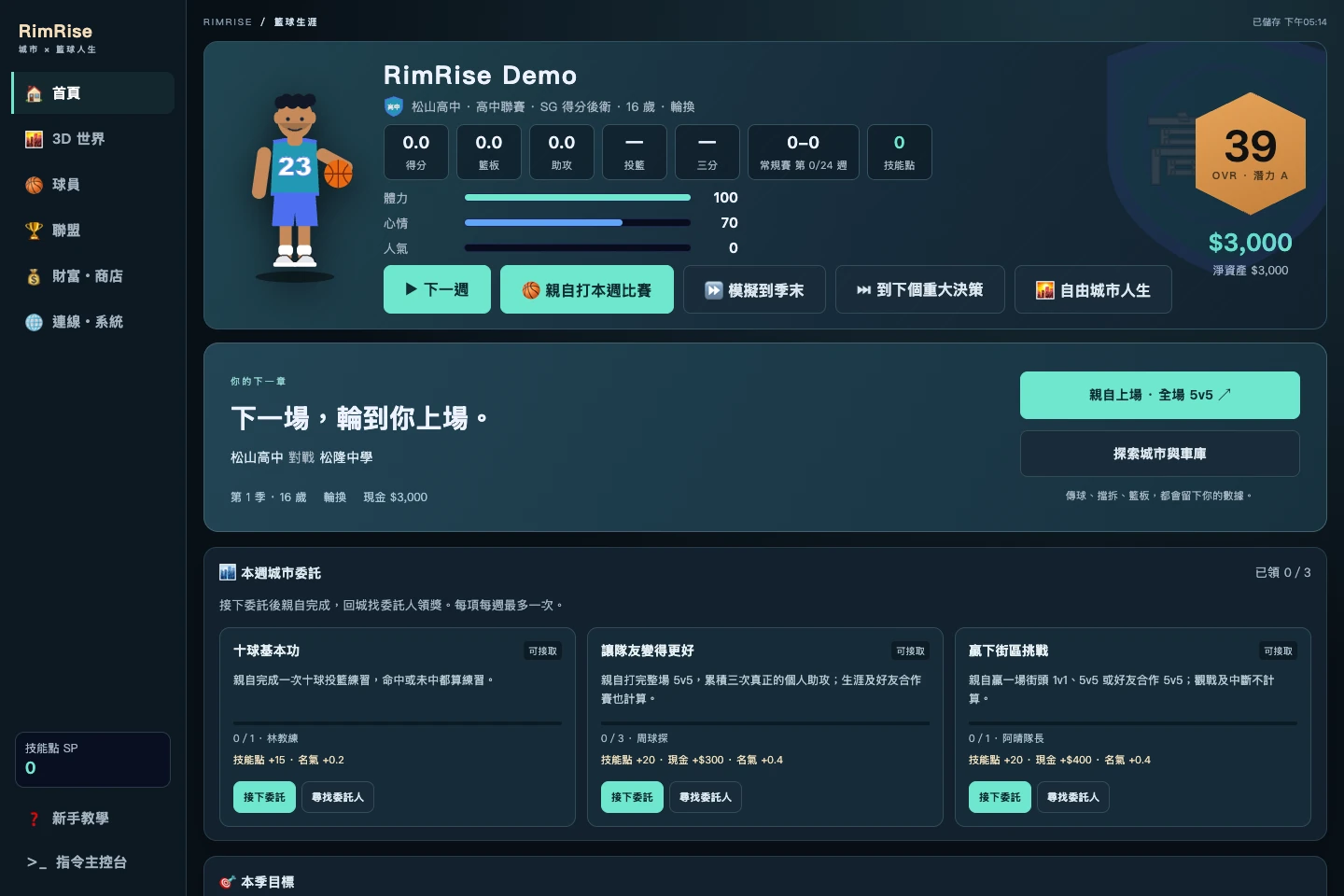 BROWSER EDITION · SCREEN CAPTURE
Who it helps
For players exploring browser basketball and connected career systems.
Background & gameplay
Build a basketball career from a high-school start through college and professional league paths. The season simulation tracks schedules, standings, playoffs, awards, player development, contracts, free agency, and decisions that affect a player's team and career.
The 3D game includes full-court 5v5, street-court 1v1 and 5v5, and shooting practice. Outside the arena, the player can explore city styles based on Taipei, Hong Kong, and Tokyo, travel between locations, take part in city activities and jobs, and manage homes, vehicles, training, shops, and finances.
Online systems include rooms, friends, chat, leaderboards, 3D duels, and cooperative play. Three.js renders the world with WebGL and requests a high-performance GPU. Graphics settings show the graphics adapter and acceleration state, flag software rendering, and reduce resolution and frame rate when needed.
Work in progress. These screenshots come from a local browser build. Online features depend on the separate game server, and this Zevqio website does not host game rooms or player accounts.
How a session works
Build a basketball career from a high-school start through college and professional league paths. The season simulation tracks schedules, standings, playoffs, awards, player development, contracts, free agency, and decisions that affect a player's team and career.
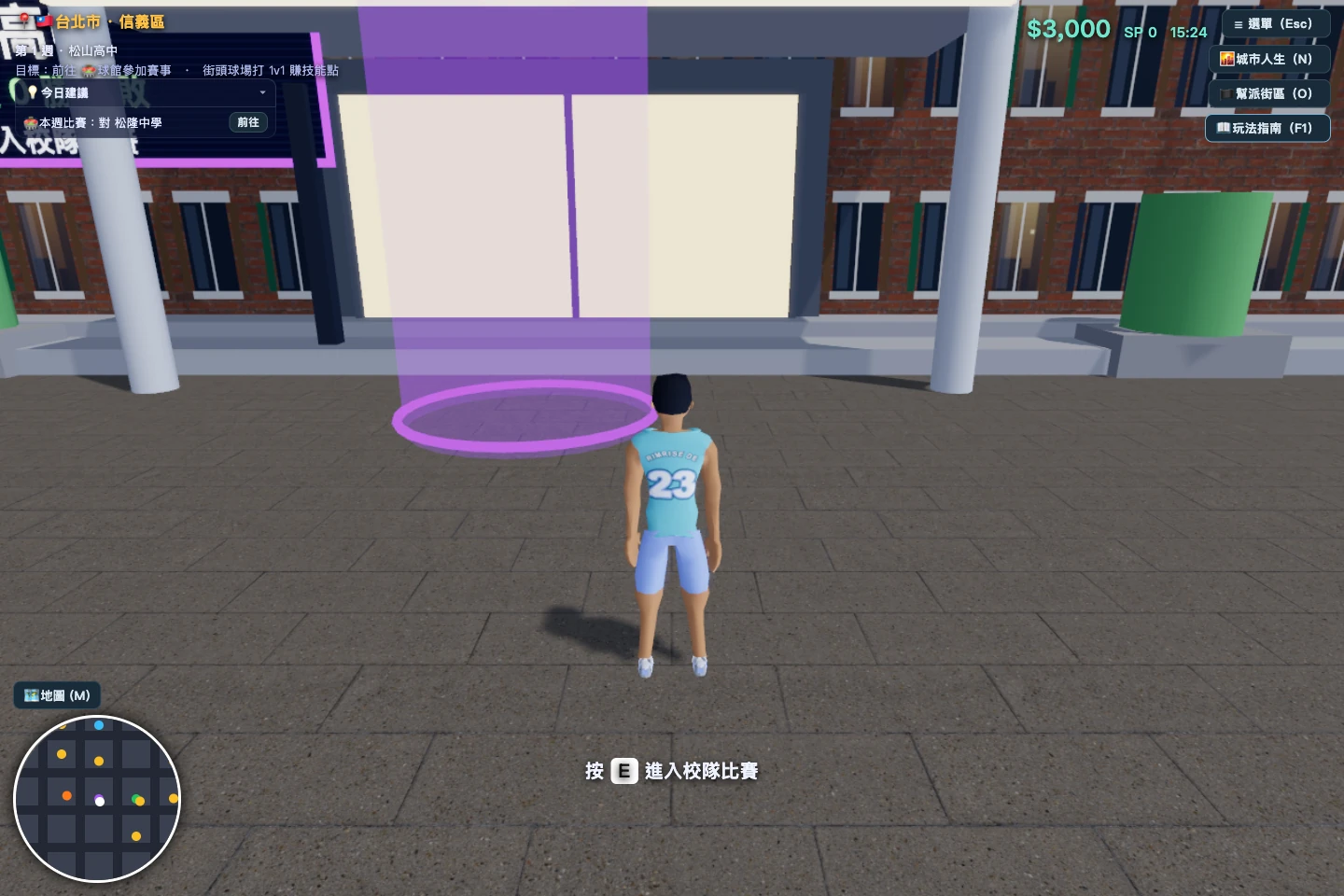
The player stands in Taipei’s Xinyi district beside a school-match marker; the minimap and objective panel point to the next activity.
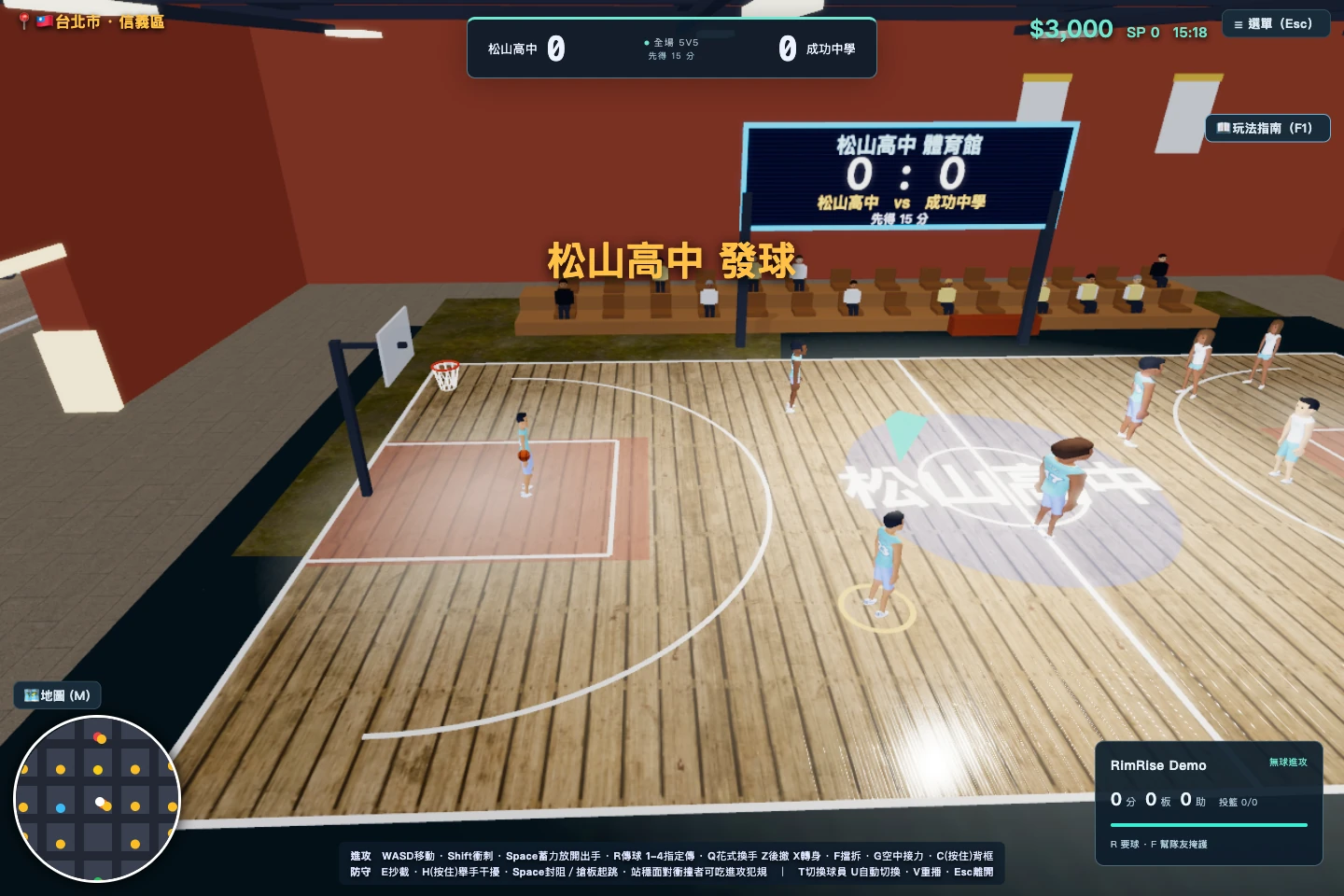
The game opens at tip-off with the score, target score, player HUD, minimap and control guide visible as you play through the career schedule.
Quick specifications
Project demos
Watch a feature in use, then learn what skills and systems support it.
A local demo profile opens the city and moves using the keyboard. Watch the character, location markers, activity panel and minimap work together.
An AI-controlled local match demonstrates movement, possession and the scoreboard in the browser. The separate server powers online rooms.
Skills demonstrated
These highlights explain the systems behind each demo and the skills each project brings together.
Three.js requests a high-performance WebGL renderer, reads the adapter information, and detects software rendering. The fallback lowers resolution and frame rate to keep the world usable.
The court module handles possession, AI decisions, shooting, rebounds and match state. The 3D scene renders the result of the live game loop.
Browser saves are parsed and validated before storage. Loading tries the primary save and then a backup; a damaged save does not overwrite a valid backup.
Screens from the project
Local captures from each project build. Open any image to inspect the interface at its original size. Screens shown here were captured from local project builds. Projects are in development, so screens and features may change.
Career dashboard linking player and season stats to the next 5v5 game, free-city mode and trackable city commissions.
Open full-size imageThe player stands in Taipei’s Xinyi district beside a school-match marker; the minimap and objective panel point to the next activity.
Open full-size imageThe game opens at tip-off with the score, target score, player HUD, minimap and control guide visible as you play through the career schedule.
Open full-size imageDevelopment portfolio
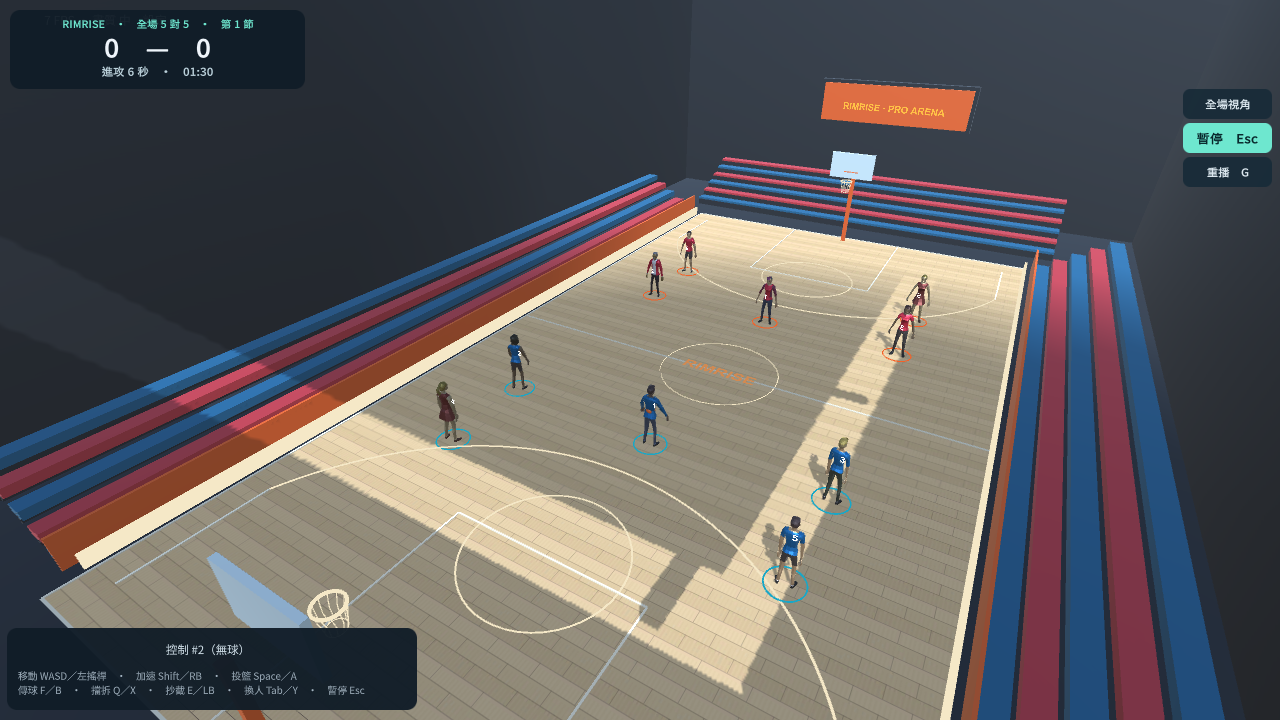
A Unity 6.3 prototype for full-court 5v5 basketball and career play.
Explore projectA browser basketball game with career progression and 3D city play.
Explore project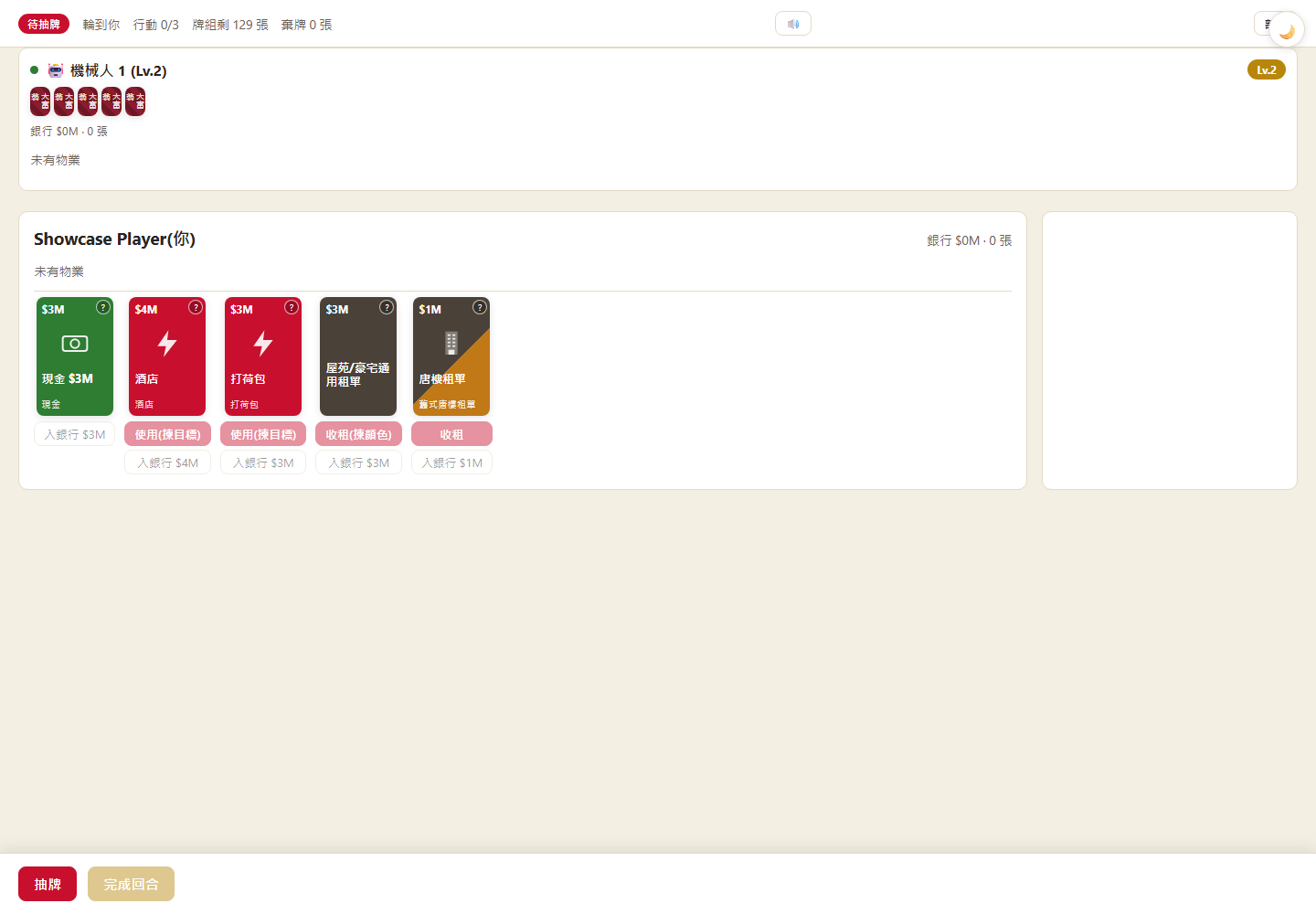
A Hong Kong-themed property card game with multiplayer rooms, bots, and changing events.
Explore project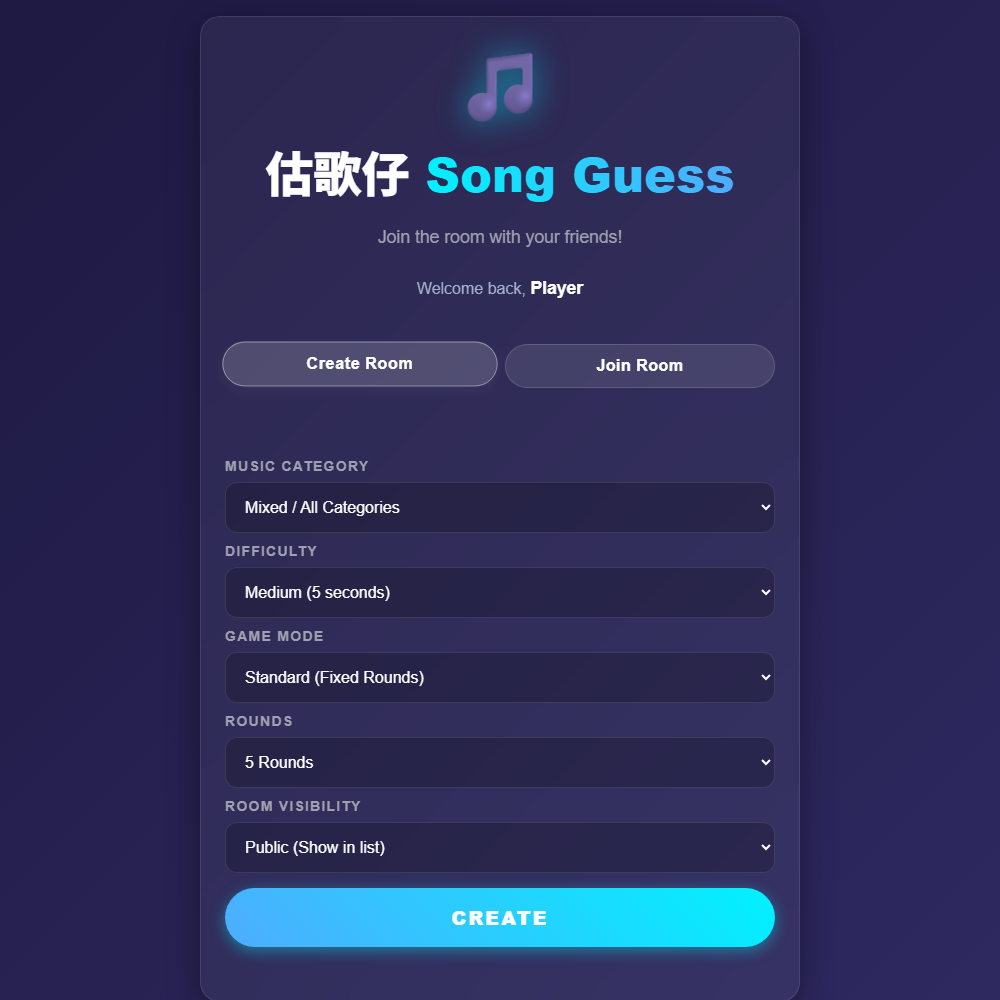
A multiplayer music quiz with timed rounds, configurable rooms, and team modes.
Explore projectRimRise · Browser edition
Tell us what you want to achieve. We can discuss the current build, its fit and next steps.
In development · Enquire about the current build