Keep the source close
Make it easy to compare recognized text with the scanned page without losing context.
Documents · OCR
A workspace concept for turning scanned pages into reviewable text, with the source kept close to the result.
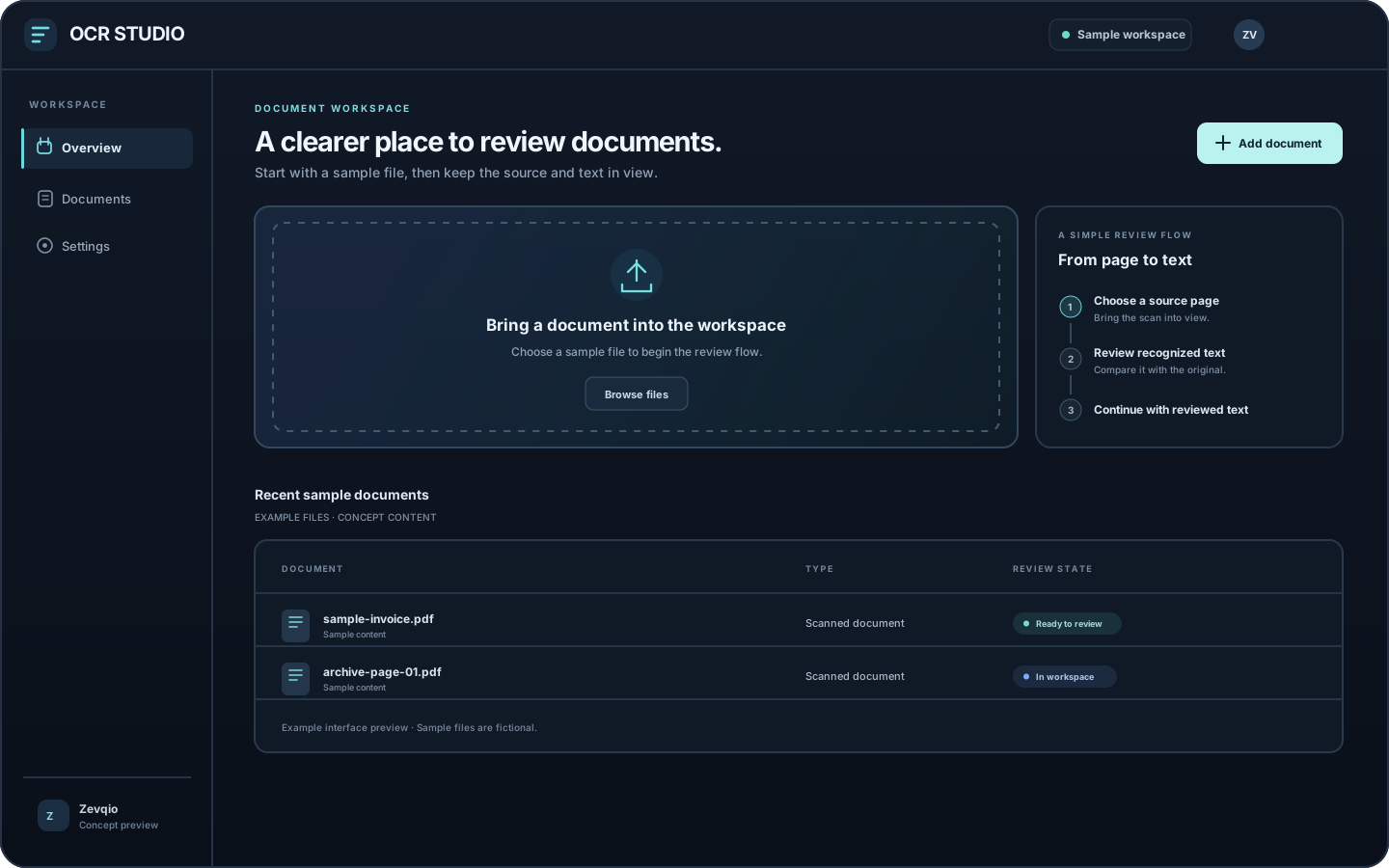 WORKSPACE · CONCEPT PREVIEW
Interface concept
These original screen previews use sample content to show a possible experience. They do not depict a live product.
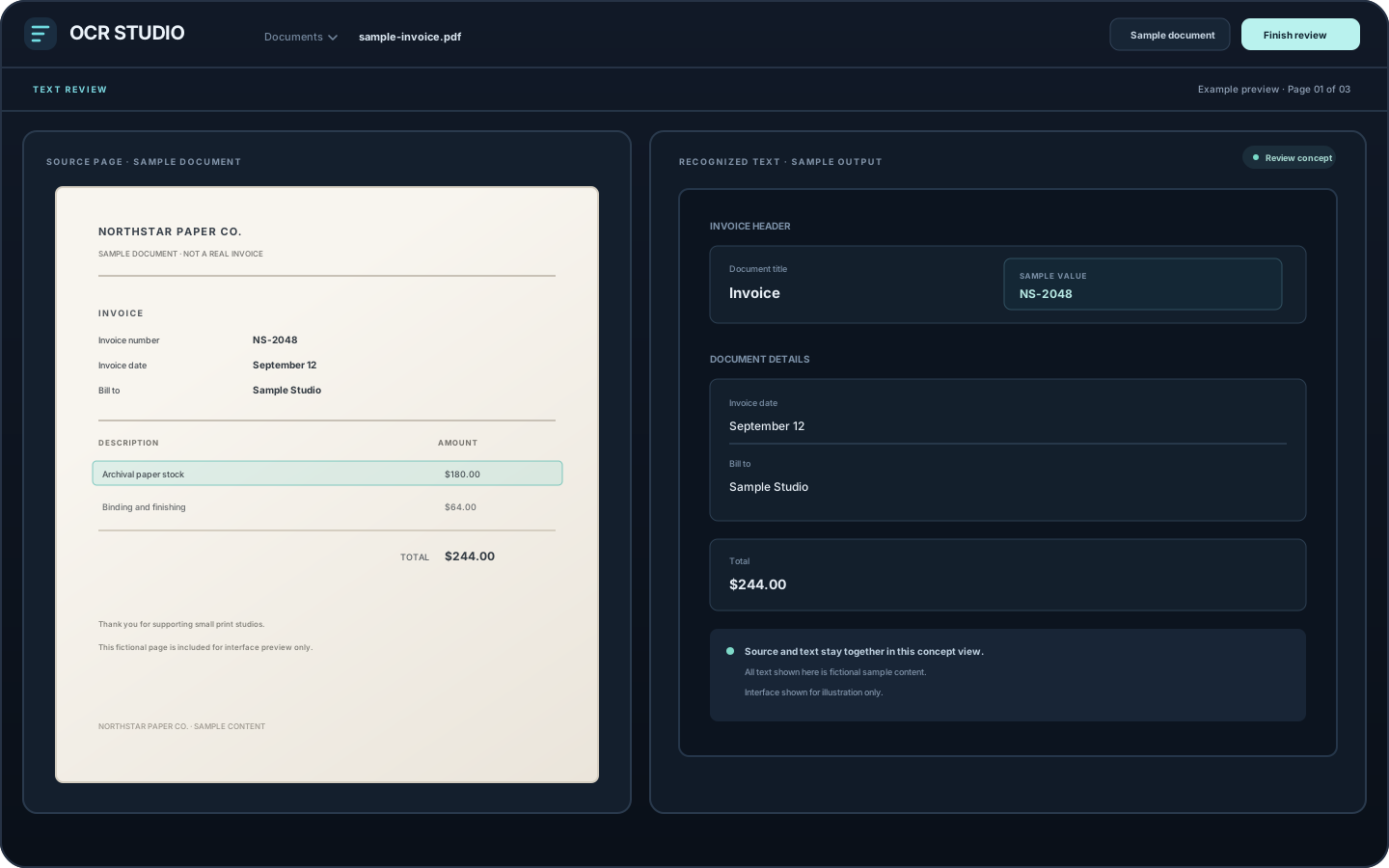
Keep a sample source page visible beside the text being reviewed.
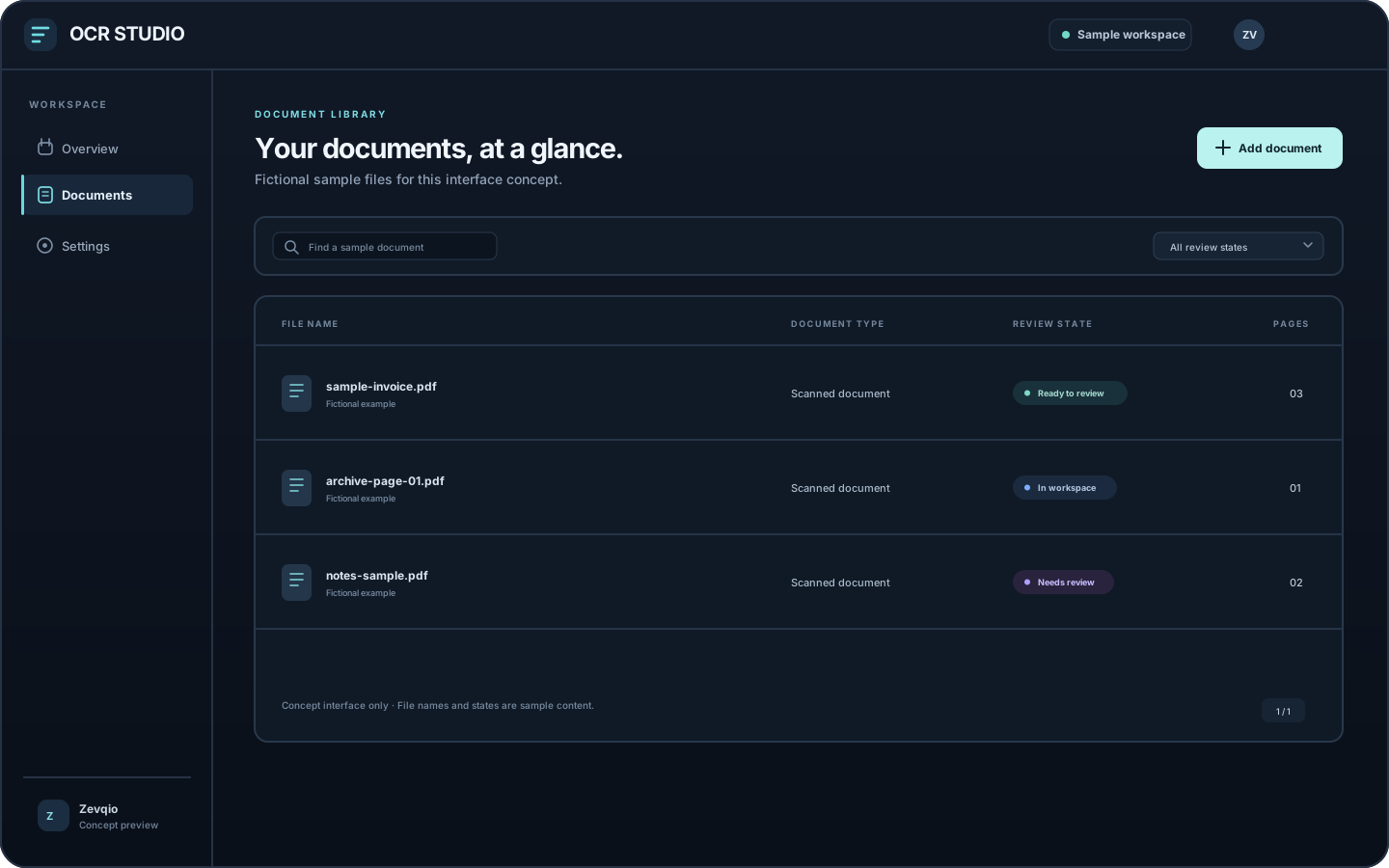
Scan a sample document list and its review state at a glance.
Project overview
Getting text from a scan is only one part of the job. Names, numbers, and page structure can be misread, so people may need to check the result against the original before using it.
OCR Studio is exploring a workspace that keeps the source page beside the recognized text. The aim is to make review understandable and keep a person in control while the product scope is being defined.
These screens are static concepts with fictional sample documents. The OCR engine, supported formats, correction behavior, export options, storage, and release timing have not been finalized.
Possible workflow
This is the direction being explored for OCR Studio. These steps describe a concept, not a released feature set.
Bring a scanned document into the workspace. Supported file types and intake rules are still being explored.
Review recognized words alongside the source page so details can be checked in context.
Consider how someone could correct text and finish a review. Export and storage choices have not been finalized.
Design priorities
The early direction puts legibility and human review ahead of promises about speed or accuracy.
Make it easy to compare recognized text with the scanned page without losing context.
Treat checking and correcting text as part of the experience, because recognition may need a human look.
Focus the early concept on a clear path from scan to reviewed text before defining later outputs.
Work with us